




Getting started: slime, camera and time
A colony is not led from a distance. Your view follows one of its creatures.
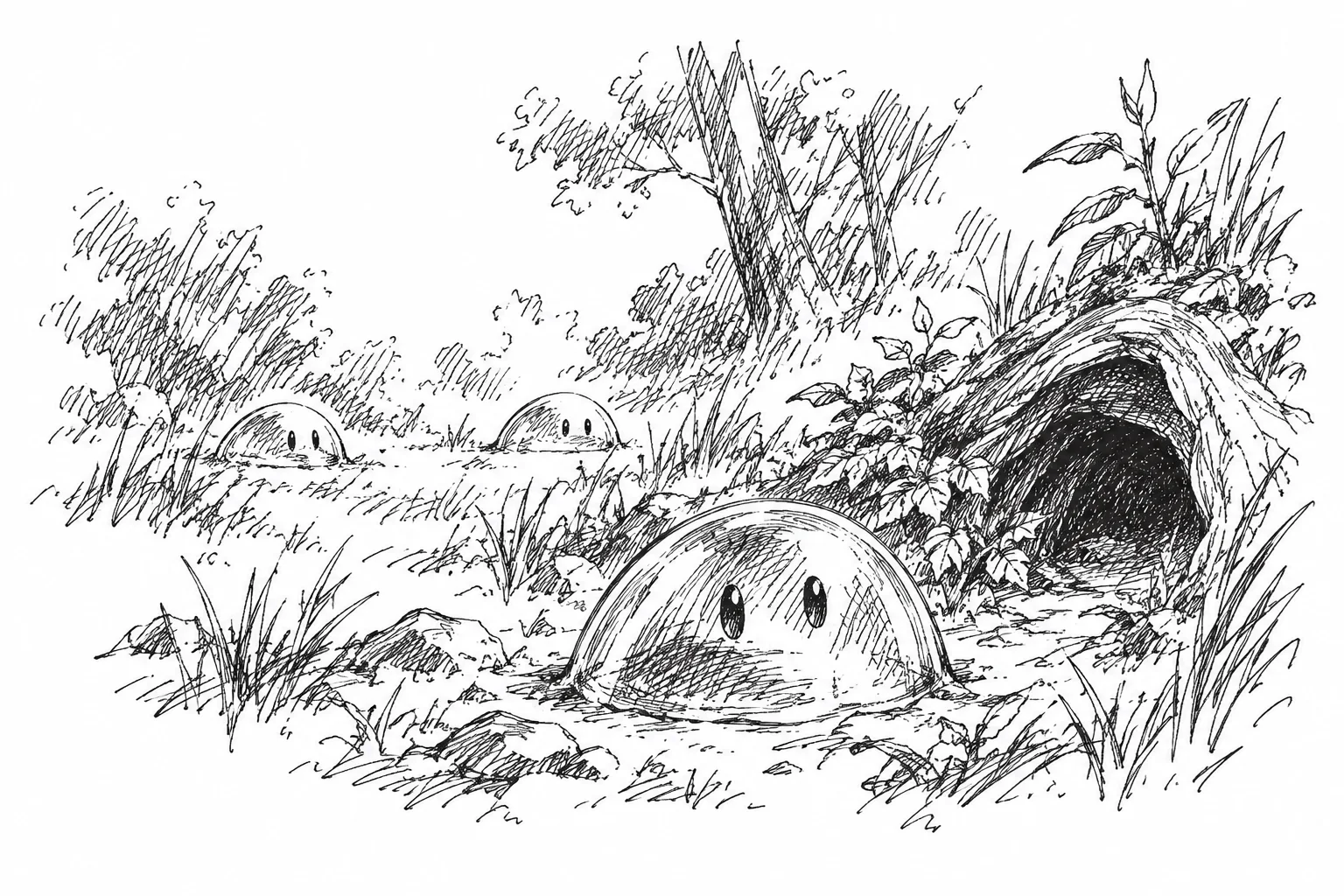
The slime under direct control is both a viewpoint and a means of action. Move it through the world with [WASD] or a left click; holding a direction or double-clicking a distant destination sets it sprinting. [Tab] moves the camera to the next member of your colony, while [Space] returns it to the controlled slime.
Another perspective
You can take direct control of your own slimes. Switching does not replace the colony or erase its goals or the knowledge collected in the Bestiarium. If the controlled slime dies, play continues with a suitable successor as long as the colony can survive.

When my view returned to the queen, the forager from the forest edge was already carrying a load. I had missed its departure.
Time and observation
Fast-forward speeds up the simulation: the daily cycle, needs, growth and travel all advance together. The displays at the top and bottom can be hidden without changing the world. Map views are tools for observation, not extra information available to the colony itself.
